
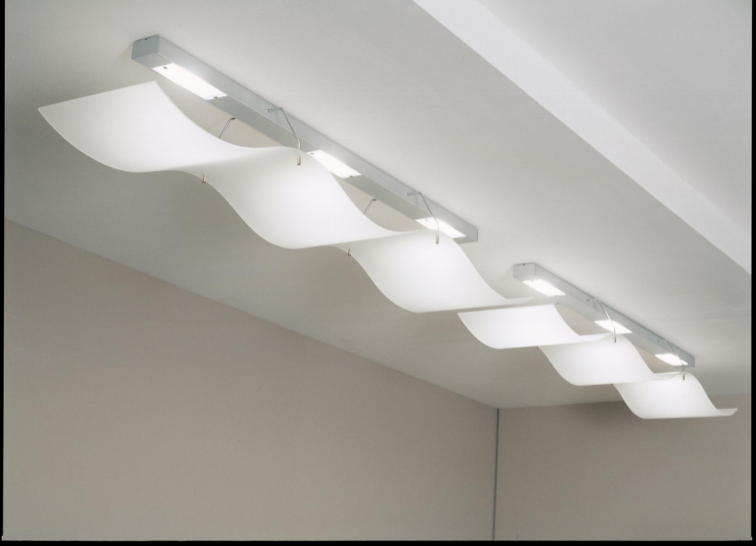
Lighting does more than help you see. The right setup can boost mood, sharpen focus, and even cut your energy bills. Smart lighting takes this a step further by adjusting to how people actually use a space.
One of the simplest and most effective smart upgrades you can make is adding sensor lights in the right places. Here’s how to incorporate smart lighting into your office design.
Benefits of Smart Lighting Solutions
Integrating smart lighting into your office design comes with numerous benefits:
- Energy efficiency
- Enhanced productivity
- Customizable ambiance
- Control and scheduling
Business owners and facility managers take advantage of these benefits to optimize their office environments.
Choose the Right Sensor Lights
The technology inside a fixture matters. Look for sensors with adjustable time delays and sensitivity settings. In a hallway, you might want lights to turn off after two minutes of no movement.
In a storage closet, 30 seconds might be enough. Some sensors can tell the difference between someone walking or shifting in a chair. A high-quality motion sensor light can replace a standard ceiling fixture or be added as a wall switch.
You’ll find options that fit into existing junction boxes, making installation straightforward. If you’re outfitting bathrooms or private offices, consider vacancy sensors that require a manual “on” but turn off automatically.
In open areas, occupancy sensors that turn on and off by themselves work better. Pairing these with dimmable LED bulbs lets you set a comfortable default level and save even more energy.
Technology Integration in Office Design
Smart lighting solutions can be integrated with other office technologies. By connecting lighting systems to building management systems (BMS), companies can control various aspects of their environment through a single interface. This holistic approach allows for unified control over heating, ventilation, and air conditioning (HVAC).
Integrated security features can include lighting alerts. Data collection provides insights into energy usage and employee movement patterns. This integration can help facility managers monitor and adjust the office environment for better comfort.
Tie It All Together With Simple Automation
Once your hardware is in place, use a smart lighting bridge or hub to create scenes and schedules. During work hours, you might set a “daytime” scene that keeps corridors at 50% brightness with motion sensors active. After 7 pm, switch to a “night” scene where only security lights react to motion.
If your office has a conference room, program a “presentation” scene that dims the front lights and keeps gentle light at the table for note-taking. Many systems let you control everything from a phone app. Office managers can check if lights were left on.
The real beauty of a well-designed smart lighting setup is that it doesn’t need daily management. The sensors and schedules do the work. You can review energy data and fine-tune the settings.
Take the First Step Toward Smarter Office Lighting
Integrating smart lighting doesn’t mean tearing out walls or hiring a programmer. Start with a walk-through, add motion sensors where they make sense, layer daylight with responsive LEDs, and connect it all through a simple automation hub. Each step builds a workspace that’s brighter where it counts, darker where it can be, and always ready for the people who use it.
With a solid plan and reliable products, you’ll create an office that feels modern, saves money, and works effortlessly every day. To stay updated, visit our blog for more.
